
Create color palettes and gradients and export them for Photoshop

Under "Colors" in typest.app you create color palettes and gradients and export them in formats Photoshop reads directly: palettes as an .ase file, gradients as .ase swatches with in-between colors or as a .grd gradient file.
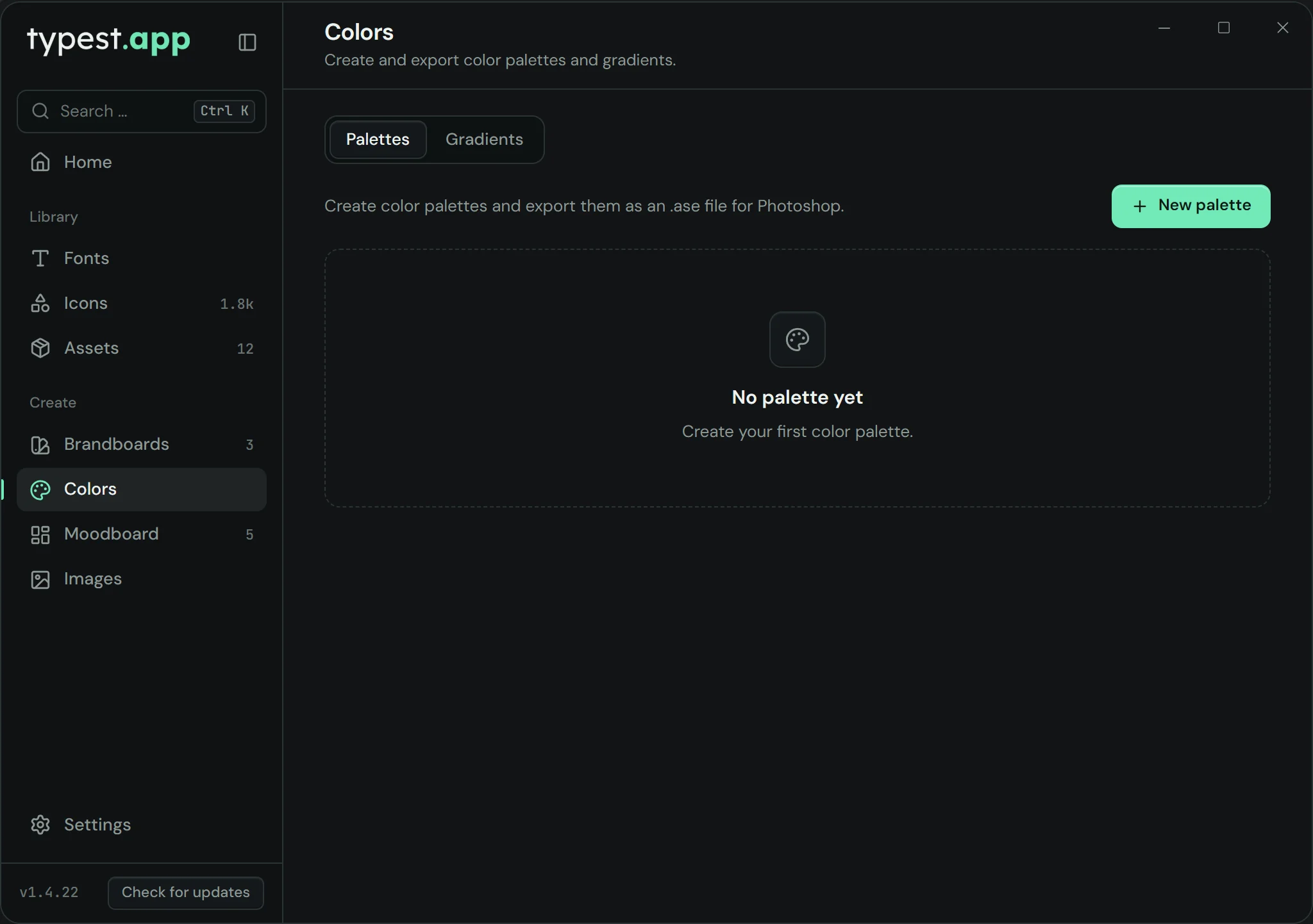
Color tools in typest.app: palettes and gradients with .ase export

How it works

  1. 1

    Create a palette

    Open "Colors", stay on "Palettes" and click "New palette".

  2. 2

    Add colors

    Name the palette and add at least two colors.

  3. 3

    Export

    Save the palette and choose "Export as .ase".

  4. 4

    Load it in Photoshop

    Import the .ase file in Photoshop through the Swatches panel.

Frequently asked questions

What is an .ase file?

Adobe Swatch Exchange, an exchange format for color swatches. Photoshop, Illustrator and InDesign can import it.

Can I export gradients too?

Yes, as .ase swatches with in-between colors or as a .grd file, Photoshop's gradient format.

Does it cost anything?

No. Color palettes and gradients are part of typest.app, and the app is free.