
Create a moodboard: collect and arrange images freely

The typest.app moodboard is an infinite canvas for images. Drag in photos and graphics, zoom and pan freely, and arrange a selection as a gap-free bento grid in one click. Everything saves automatically, and your original files stay untouched.
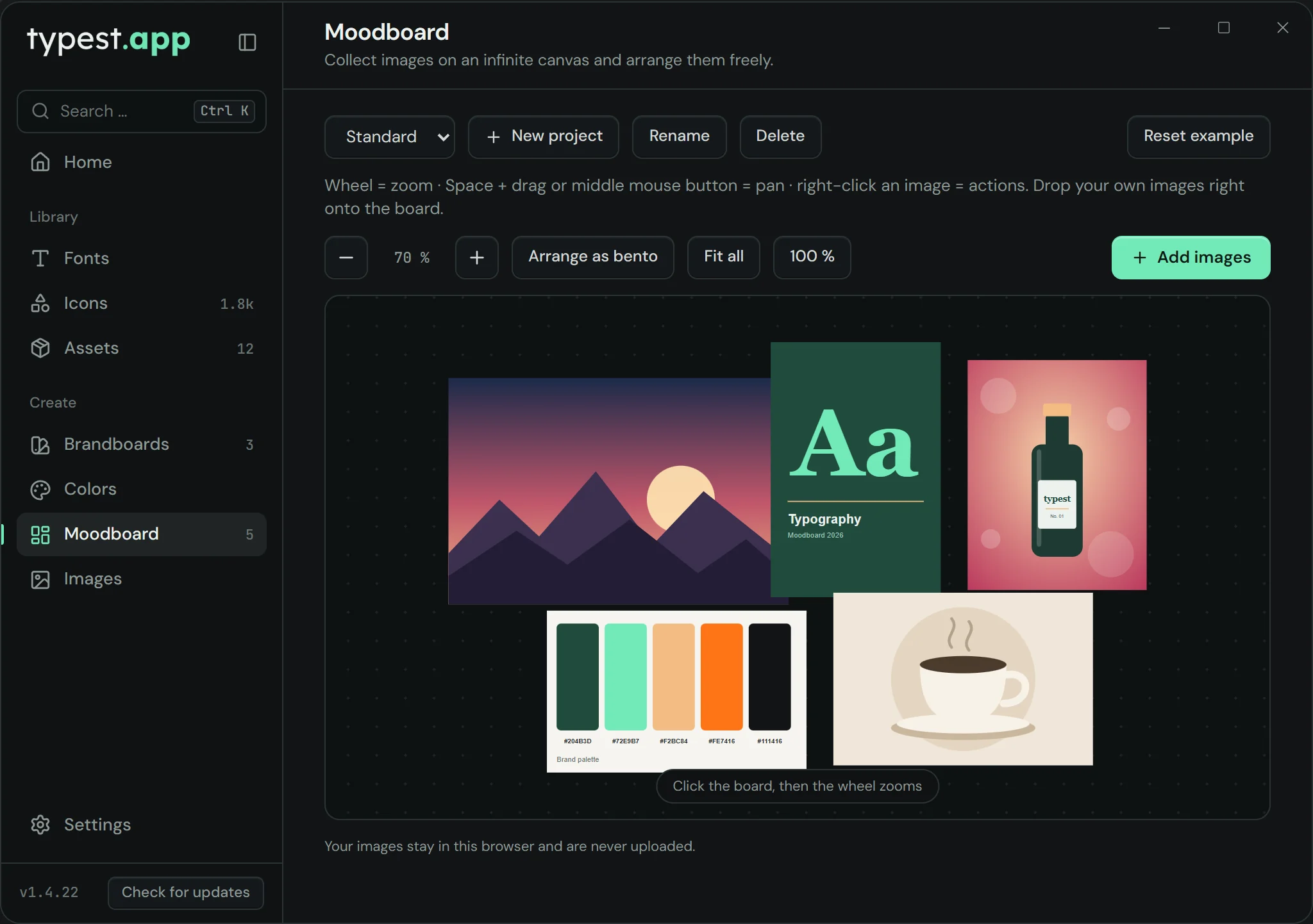
typest.app moodboard: images arranged freely on an infinite canvas

How it works

  1. 1

    Create a project

    Start a board with "New project", for example one per client.

  2. 2

    Drag in images

    Drag images into the window or use "Add images".

  3. 3

    Arrange

    The mouse wheel zooms; space plus drag pans the canvas. "Arrange as bento" arranges the selection or all images as a grid.

  4. 4

    Edit and export

    Right-click an image to upscale it, remove the background or export it as WebP, JPG or PNG.

Frequently asked questions

What is the moodboard?

An infinite canvas for images: collect photos and graphics, arrange them freely or as a bento grid, and keep several projects. Right-click to upscale images, remove the background or export them.

Can I undo changes?

Yes. Ctrl+Z (Mac: Cmd+Z) undoes the last change, including deleting, upscaling and removing backgrounds. Ctrl+Shift+Z brings it back.

Are my images uploaded?

No. The moodboard saves everything locally on your computer.